
- 1. The Executive Briefing Framework Document Summarization
- How to execute this framework:
- 2. The 80/20 Email Draft Engine
- The three-step process:
- 3. Spreadsheet Data Analysis Without Formulas
- Useful real-world questions to ask:
- 4. The Audience-First Content Generation Workflow
- 5. Automated Meeting Notes and Action Items
- 6. Competitive and Market Research Analysis
- 7. On-Demand On-the-Job Upskilling
- Ready to Master Enterprise AI Tools in Person?
How to Use AI at Work: 7 Productivity Frameworks for Professionals
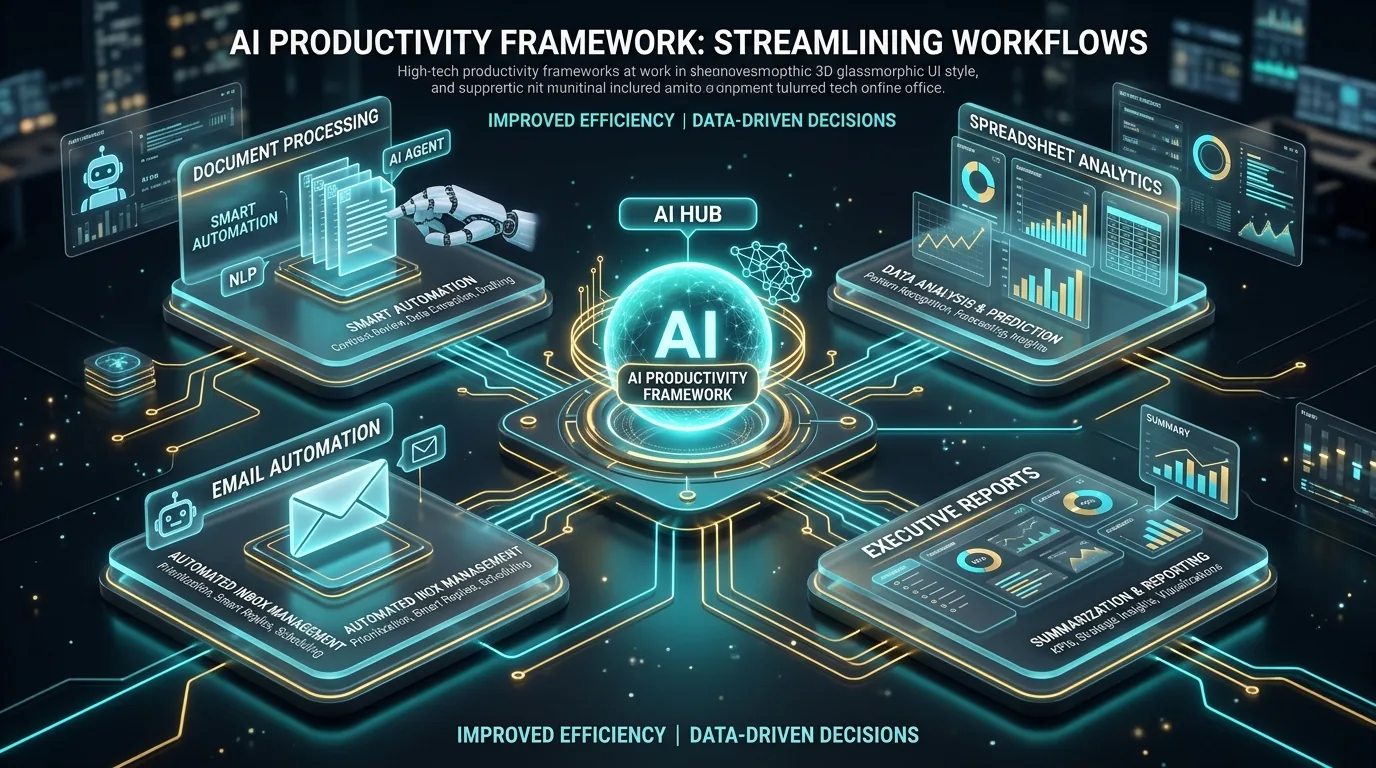
Artificial intelligence is no longer a futuristic concept reserved for tech companies. In workplaces across Nigeria and around the world, professionals are using modern AI tools to eliminate routine administrative bottlenecks, write better business communications, analyze complex spreadsheet data, and make smarter strategic decisions.
If you have ever felt overwhelmed by endless emails, long weekly reports, or repetitive tasks that consume your afternoon, applying structured AI workflows will transform the way you work.
Here are seven practical frameworks you can apply in your office starting today.
1. The Executive Briefing Framework (Document Summarization)
Many business professionals spend up to twelve hours every week reading long market reports, policy documents, and financial audits. Reading every single page word for word is rarely the best use of your energy.
By using large language models like ChatGPT, Claude, or Google Gemini, you can condense fifty pages of complex material into a structured executive briefing in under two minutes.
How to execute this framework:
Copy the text of your document or upload the PDF into your AI tool. Use an explicit instruction that assigns a professional role to the model.
Copy-paste prompt example:
“Act as a senior executive strategist. Read the attached document and provide five clear summary bullet points. Highlight key numerical statistics, major operational risks, and three recommended strategic actions for leadership.”
This approach allows you to walk into executive meetings fully prepared while saving hours of reading time.
2. The 80/20 Email Draft Engine
Email management remains one of the single biggest productivity drains in modern offices. Drafting thoughtful, professional responses to complex client inquiries takes focus and emotional energy.
Instead of writing emails from scratch, use AI as your draft generator.
The three-step process:
- Copy the incoming client email into your AI workspace.
- Type two or three bullet points containing your core response facts.
- Ask the AI to write a complete response in a polite, professional corporate tone.
You retain full control because you simply review, tweak, and send. What previously took fifteen minutes now takes less than ninety seconds.
3. Spreadsheet Data Analysis Without Formulas
You no longer need to be an expert in complex Excel formulas, VLOOKUP, or data scripting to analyze business numbers. Modern AI tools like ChatGPT Advanced Data Analysis allow you to upload raw CSV or Excel spreadsheets and ask questions using plain conversational language.
Useful real-world questions to ask:
- “What were our top three highest-revenue product lines last quarter?”
- “Identify any unusual cost increases in this monthly department budget.”
- “Create a visual bar chart comparing customer retention across our Lagos and Abuja branch locations.”
The AI processes your raw spreadsheet data, performs the calculations automatically, and presents clear insights along with downloadable charts.
4. The Audience-First Content Generation Workflow
From writing internal newsletters and social media updates to drafting sales proposals, business communication requires clear messaging. The mistake most people make is asking AI for a generic output like “write a blog post about our service.”
To get high-converting content, structure your prompt with three essential details:
- Target Audience: Who specifically is reading this?
- Brand Tone: Is your tone friendly, formal, persuasive, or educational?
- Core Message: What exact outcome or call to action do you want?
When you supply these details, the resulting draft reads naturally and aligns with your business goals.
5. Automated Meeting Notes and Action Items
How often do team members walk out of an hour-long meeting uncertain about who owns which deliverables?
By pairing automatic transcription software with AI processing, you can turn recorded audio or transcripts into an immediate action item list. The output clearly outlines key discussion decisions, open questions, assigned project leads, and target completion dates.
This eliminates post-meeting confusion and keeps projects moving forward smoothly.
6. Competitive and Market Research Analysis
Staying ahead of industry changes requires continuous research. Instead of spending days searching multiple websites manually, you can instruct web-connected AI platforms to perform targeted competitive analysis.
You can ask the system to analyze publicly available market trends, compare pricing structures, or identify unaddressed customer pain points across your sector.
7. On-Demand On-the-Job Upskilling
Whenever you encounter a business software tool or process you have not mastered yet, treat AI as your personal workplace mentor.
Whether you need to understand a new financial ratio, draft an internal HR policy, or structure a marketing campaign brief, you can ask the AI to explain the concept step by step with practical examples tailored to your specific industry.
Ready to Master Enterprise AI Tools in Person?
Applying these frameworks individually is great, but building seamless workflows across your entire team is where massive growth happens.
If you want hands-on instruction in a live physical lab setting, explore our Individual AI Masterclass Tracks or request a custom Corporate AI Workforce Proposal for your company.

Empowering African professionals with modern AI & Tech skills.